I have the same issue on my Chromecast with Google and my Sony Google TV so think it might affect all google TV devices
Dan Ballagi
•
Sep 3, 2024
Can you perhaps add a shortcut to the restart menu of the stock settings?
Paul Dhaliwal changed status to In Review
•
Sep 1, 2024
Paul Dhaliwal
•
Aug 24, 2024
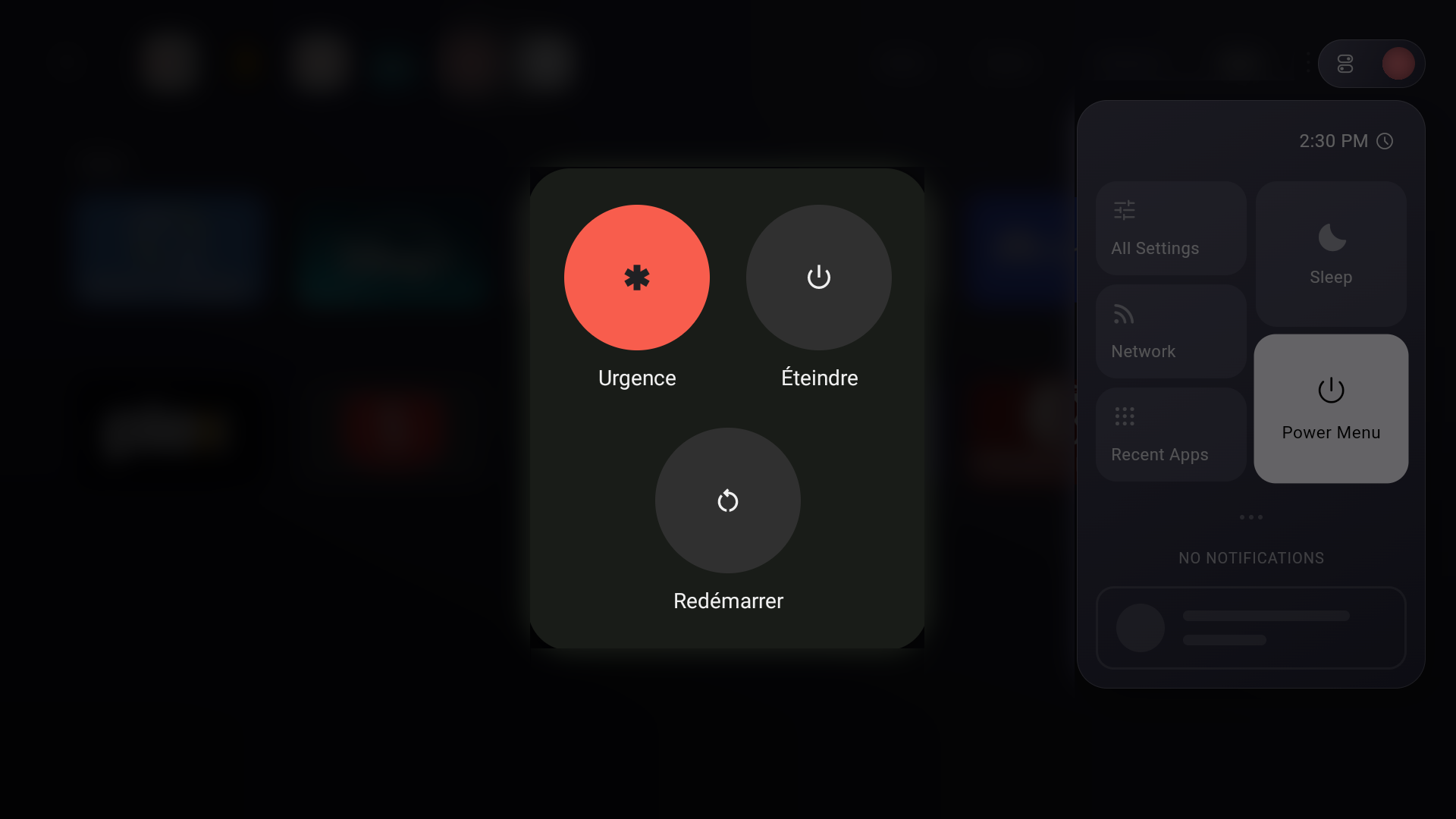
Hello! I was able to reproduce this as well. Unfortunately, it seems like this UI is simply not navigable via dpad on the chromecast with google tv. I'm not sure if it affects all google tv devices, however, since manufacturers sometimes modify this menu.
Dispatch doesn't control this interface, it simply asks android to show it when you hit the power button. It looks like I'll have to hide this button entirely on the devices that don't support navigating on it.
Unfortunately as well, I can't create a custom power menu instead since only the OS is allowed to send power down / restart commands.
Forever ForeverAndaDay
•
Oct 5, 2024
would definitely support the option to hide this button, would be cool if the power menu was usable it mostly just takes up space rn. Maybe replace it with an option to start the system screensaver (like the stock notification shade has)?
Log in to comment and vote
Comments5
Adam Bunting
Sep 23, 2024
I have the same issue on my Chromecast with Google and my Sony Google TV so think it might affect all google TV devices
Dan Ballagi
Sep 3, 2024
Can you perhaps add a shortcut to the restart menu of the stock settings?
Sep 1, 2024
Paul Dhaliwal
Aug 24, 2024
Hello! I was able to reproduce this as well. Unfortunately, it seems like this UI is simply not navigable via dpad on the chromecast with google tv. I'm not sure if it affects all google tv devices, however, since manufacturers sometimes modify this menu.
Dispatch doesn't control this interface, it simply asks android to show it when you hit the power button. It looks like I'll have to hide this button entirely on the devices that don't support navigating on it.
Unfortunately as well, I can't create a custom power menu instead since only the OS is allowed to send power down / restart commands.
Forever ForeverAndaDay
Oct 5, 2024
would definitely support the option to hide this button, would be cool if the power menu was usable it mostly just takes up space rn. Maybe replace it with an option to start the system screensaver (like the stock notification shade has)?